
What to Look For (Everyone)
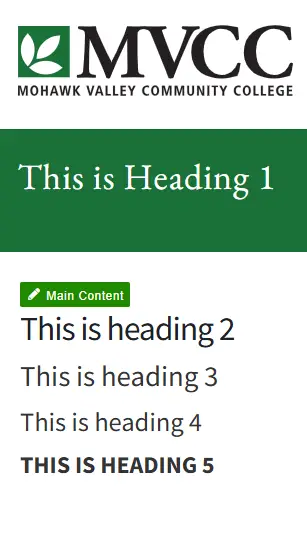
Scroll and read only the section titles.
- Do they tell a clear story?
- Do smaller sections clearly belong under larger sections?
- Does anything look like a heading but is just bold text?
If you don't have access to the CMS, you can use one of these Chrome extensions to visually view heading levels:
If headings look chaotic or levels are skipped, there’s likely an issue.
Why This Matters
Screen reader users navigate by headings. Poor structure makes pages confusing and difficult to use. Good structure helps everyone scan content faster.
How to Fix It (Editors)
- Use the Format dropdown in Omni CMS.
- Main sections → Heading 2
- Subsections → Heading 3
- Smaller details → Heading 4
- Never skip levels.
- Never use bold text as a substitute.
Do / Don’t
DO
- Organize content from general to specific.
- Use real headings.
DON’T
- Skip heading levels.
- Make everything look the same importance.